
A cursive generator converts plain text into Unicode script characters you can copy and paste anywhere that accepts text input: Instagram bios, TikTok display names, Discord nicknames, posts and messages. Nothing is installed, because the output is not a font. It is a different set of characters that already exist in the Unicode standard, so the styling travels with the text to whoever reads it.
Our Cursive Generator offers 140+ cursive styles that you can preview and copy. Whether you need a cursive name for your profile, a stylish caption for social media, or simply want to see how your text looks in a handwritten style, you can create it without installing a font or using complicated design software.
How to Use the Cursive Generator
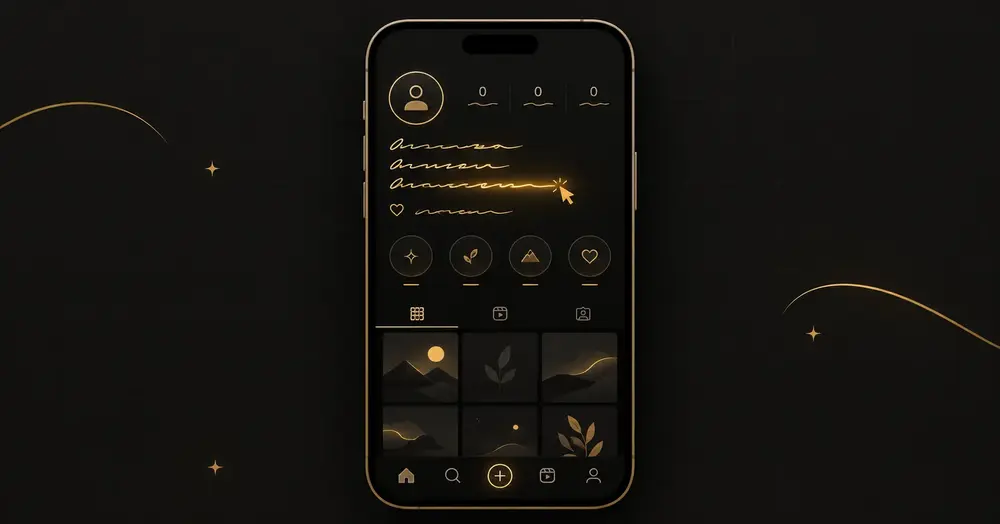
Using the generator is simple. You don't need to download anything or learn how to use a complicated editing tool.
1. Enter Your Text
- Start by typing whatever you want to convert into cursive. It can be your name, a word, a short quote, caption, username, or message.
2. Explore the Cursive Styles
- Once you enter your text, different cursive styles will appear automatically. Take a look at each variation and see which one matches the style you're looking for.
3. Choose Your Favorite Style
- There is no single cursive style that works for everyone. Some styles look clean and simple, while others have a more decorative or handwritten appearance.
- Pick the version that looks best for your particular use.
4. Copy and Paste
- Found the style you like? Simply copy it and paste it wherever you need it.
You can use the generated text in social media profiles, captions, messages, usernames, comments, and many other places that support Unicode text.
140+ Cursive Styles to Choose From
Finding the right cursive style is often more important than simply generating cursive text. A style that looks great for a name might not work as well for a long caption.
That's why our generator gives you 140+ different cursive styles to explore.
You can find styles that have a:
- Classic cursive appearance
- Elegant handwritten look
- Fancy and decorative design
- Calligraphy-inspired feel
- Bold script appearance
- Simple handwritten style
- Soft and flowing appearance
- Creative and stylish look
Try the same word in several styles before choosing one. Small differences in letter shapes can completely change how the final text feels.
Cursive Generator vs. Cursive Font Generator
These terms sound similar, but they can refer to slightly different things.
- A cursive generator is mainly about creating or converting your text into a cursive-style result. It is useful when you simply want to enter text and quickly get a cursive version that you can use.
- A cursive font generator, on the other hand, is usually more focused on showing or applying specific typefaces and font styles.
If your goal is simply to create stylish cursive text and copy it, you can use the Cursive Generator directly. If you're looking for a specific font-based design workflow, a dedicated cursive font generator may be more suitable.
Where Cursive Text Works and Where It Breaks
Support depends on the field, not just the app. The same platform will often accept these characters in one place and strip them a few pixels away.
| Platform | Bio / description | Display name | Handle / username | Posts & messages |
|---|---|---|---|---|
| Yes | Yes | No, ASCII only | Yes | |
| TikTok | Yes | Yes | No, ASCII only | Yes |
| X (Twitter) | Yes | Yes | No, ASCII only | Yes |
| Discord | Yes | Yes, per server | Restricted | Yes |
| Yes | Legal-name rules apply | No | Yes | |
| Yes | Yes | No | Yes | |
| Yes | Yes | Phone number | Yes | |
| YouTube | Yes | Yes | Handle restricted | Yes |
| Canva / design tools | Depends on the font | — | — | Depends on the font |
Where Can You Use Cursive Text?
Cursive text can be useful in many everyday situations. You don't have to be a designer or handwriting expert to use it.
Instagram Bios and Captions
- Want your Instagram profile or caption to look a little different from standard text? You can generate a cursive version of your name, phrase, or bio and copy it into Instagram.
- Keep in mind that Unicode text is different from an actual installed font, so the way it appears can depend on Instagram and the device being used.
TikTok
- Cursive text can also be used for TikTok bios, captions, usernames, or profile descriptions where Unicode characters are supported.
- A simple cursive style can make a short phrase stand out without adding images or extra design elements.
WhatsApp and Messages
- You can use cursive text in messages when you want to give a word, name, or short phrase a different appearance.
- It can be useful for greetings, special messages, nicknames, or simply adding some variety to normal text.
Names and Usernames
- Your name is one of the easiest things to experiment with.
- Enter your first name, nickname, initials, or username into the generator and compare the different styles. You may find that one style works particularly well for a profile or display name.
Captions and Quotes
- Short quotes and captions can look interesting in cursive. Try generating a few versions and choose a style that remains easy to read.
- For longer text, simple styles are usually easier to follow than highly decorative ones.
Cursive Text vs. Regular Text
- Regular text is designed primarily for readability. Cursive text adds a visual style to the same basic message.
- For example, instead of displaying a name in its ordinary form, a cursive style can give it a more handwritten or decorative appearance.
- The important thing to remember is that generated cursive text isn't necessarily the same thing as installing a cursive font. Some online generators create images using actual font files, while copy-and-paste generators can use Unicode characters.
Our copyable cursive styles are designed for situations where you want to generate text and paste it directly into a supported text field.
Which Style to Pick
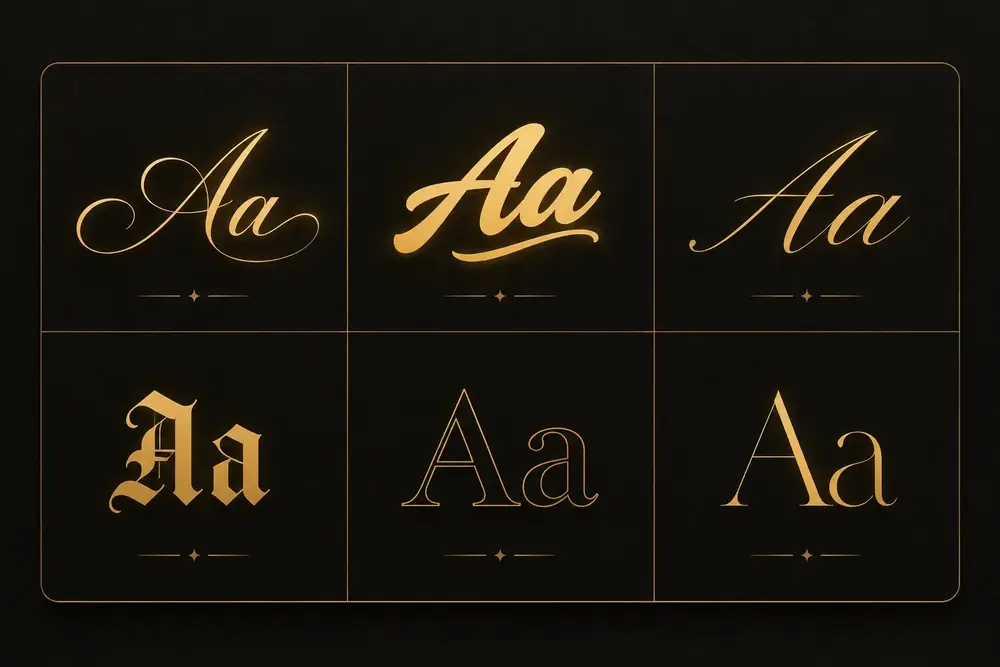
| Style | Reads best as | Use it for |
|---|---|---|
| Mathematical Script | Classic looping cursive | Bios, signatures, quotes |
| Bold Script | Heavier, more legible cursive | Display names, headings |
| Mathematical Italic | Slanted serif, not looped | Emphasis inside a sentence |
| Bold Italic | Slanted and heavy | Short standout phrases |
| Double-Struck | Hollow outline | Gaming tags, aesthetic profiles |
| Fraktur | Gothic blackletter | Band names, dark themes |
For anything longer than a few words, pick a bold variant. Thin script strokes are the first thing to disappear on a small phone screen at low brightness, and a bio nobody can read is worse than a plain one.
What Cursive Generators Cannot Do
- Numbers and punctuation stay plain
- Accented and non-Latin characters have no equivalent
- It is not handwriting, and it is not a font file
Are Cursive Styles the Same as Real Cursive Fonts?
Not exactly.
A font is a typeface that controls how characters are displayed. Unicode cursive text works differently: some characters are represented by alternative Unicode characters that resemble different writing styles.
This difference matters because Unicode text can often be copied and pasted, while a real font normally needs to be available or installed in the application displaying the text.
So if you need copy-and-paste cursive text, Unicode styles are useful. If you need a professional design, logo, printable artwork, or a specific typeface, working with an actual font may be a better option.
Why Use a Cursive Generator?
Sometimes you just want to make ordinary text look a little more interesting without opening Photoshop, installing fonts, or designing an image from scratch.
That's where a cursive generator can save time.
You can:
- Generate cursive text instantly
- Explore 140+ styles
- Create stylish names
- Make cursive usernames
- Create text for social media
- Copy and paste your favorite style
- Experiment with different looks before choosing one
- Use the tool without installing additional software
The best part is that you can try several styles with the same text. Instead of guessing which style will look good, you can see the options first and choose the one that feels right.
Cursive Generator for Names
Names are one of the most popular things to create with a cursive generator.
Type your first name, full name, nickname, or initials and compare the available styles. Some styles may look clean and professional, while others can feel more artistic or decorative.
You can use a cursive name for social media profiles, usernames, digital designs, invitations, personal projects, or simply for inspiration.
Cursive Generator for Social Media
Social media profiles are often where people experiment with different text styles the most.
You can create cursive versions of:
- Instagram bios
- TikTok bios
- Social media captions
- Display names
- Usernames
- Short quotes
- Profile descriptions
- Comments and messages
Because platforms handle Unicode characters differently, it's a good idea to check the final result after pasting it.
Common Problems and Fixes
It pastes as plain letters
The field stripped the characters, which is normal for username and handle fields. Check the pattern in the table above: if it becomes part of a URL, it will reject them. Move the styled version to your display name or bio instead.
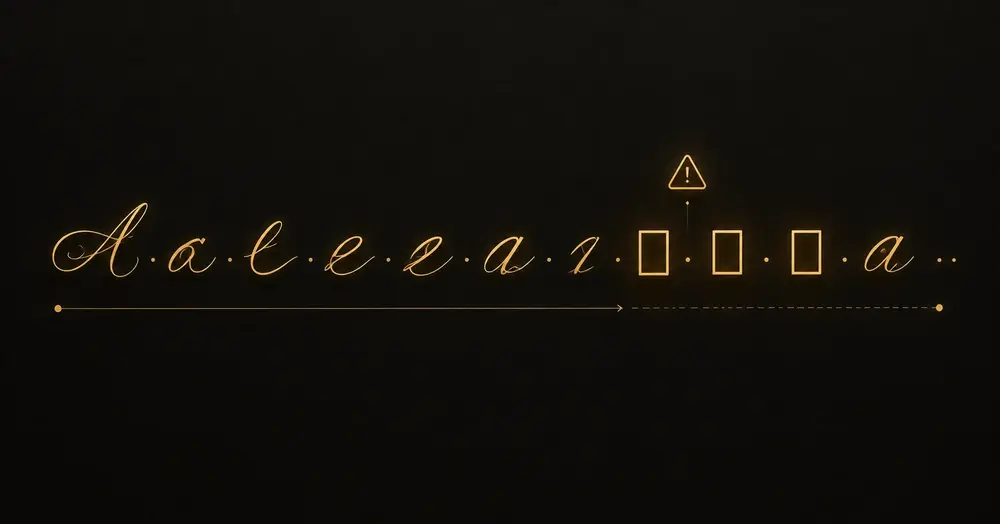
It shows as empty boxes or question marks
The characters arrived correctly, but the device rendering them has no glyph for that code point, so it draws a fallback box. This is a font coverage problem on the reader's side, not an error in the text, and it is most common on older Android builds and on devices with reduced font sets. You cannot fix it remotely. Always check a styled bio on a second, older device before committing to it.
Some letters look like a different style from the rest
Look at ℬ, ℰ, ℱ, ℋ, ℐ, ℒ, ℳ and ℛ. Those eight capitals, plus lowercase ℊ, ℯ and ℴ, are not in the Mathematical Alphanumeric Symbols block at all. They were already assigned in the Letterlike Symbols block years earlier, and Unicode left holes rather than encode them twice. Fonts often draw the two blocks slightly differently, so a name containing an L or an R can come out visually inconsistent through no fault of the generator. Changing style is the only workaround.
One letter in a name refuses to convert
That letter is almost certainly accented. See the character coverage section above; there is no styled equivalent, so the original is passed through unchanged. Either accept the mix or drop the accent.
Numbers do not match the letters
Expected behaviour for script styles, which have no digits. Switch to a bold or double-struck style if you need the numbers styled too, or leave the digits plain.
It disappeared in a Discord server or group chat
Many servers run moderation bots that reject unusual character ranges in nicknames to block impersonation and filter evasion. Server rules override anything the generator does. Ask a moderator which characters are permitted.
Boxes in Canva or another design tool
Design tools render with the specific font you selected, and most display fonts do not cover this Unicode range. Switch to a font with wide coverage, or use a genuine script font from the tool's own library, which is the better answer for design work anyway.
Frequently asked questions
What is a cursive generator?
A cursive generator is an online tool that converts ordinary text into cursive or script-style text. You can enter your text, explore different styles, and copy the version you like.
Is the Cursive Generator free?
Yes. You can use the generator to create cursive text without paying for each generated result.
How many cursive styles are available?
Our generator provides 140+ cursive styles, giving you plenty of options to compare before choosing your favorite.
Can I use cursive text on Instagram?
Yes. Instagram bios, captions, comments, and story text all render Unicode cursive correctly. The one exception is the @username field, which only accepts a-z, 0-9, periods, and underscores. Paste cursive into your display name or bio instead of your handle.
Are cursive generators free to use?
Yes. This cursive generator is free to use. Because the output is plain Unicode text rather than a rendered image or licensed font file, there are no font licensing costs involved for the generator or for you.
Can I copy and paste cursive text?
Yes. The copyable cursive styles are based on Unicode characters, so you can copy the generated text and paste it into supported websites, apps, and text fields.
Can I use cursive text on TikTok?
Yes. You can copy supported cursive Unicode text and try it in TikTok profiles, captions, and other areas that accept text.
Is cursive text the same as a cursive font?
No. A cursive font is a typeface that changes the visual appearance of regular characters. Copyable Unicode cursive text uses different Unicode characters that resemble script or cursive writing.
Can I generate a cursive name?
Yes. Enter your name, nickname, initials, or another word into the generator and explore the available cursive styles.
Why does my cursive text look different on another website?
Different websites, browsers, operating systems, and devices can display Unicode characters differently. A style that looks one way in the generator may have slightly different spacing or appearance after you paste it somewhere else.
Can I use cursive text for a username?
No, as long as the platform allows the particular Unicode characters used in the style. Some platforms restrict which characters can be used in usernames.